Radio mode: listening to IPTV audio-only
Radio mode plays a channel's audio without the video, to save data and battery when you only want to listen. Here is what it does and when to use it.
Sometimes you only want to listen. A news channel while you cook, a music channel in the background, a sports commentary while you do something else. Playing the full video for that is a waste of data, of battery, and of your screen. Radio mode plays a channel's audio and drops the video. This guide covers what it does and when it earns its place.
What radio mode does
In radio mode, the player keeps the sound and turns off the picture. There is no decoding of video frames, so:
- Data use drops, because the heavy part of a stream is the video.
- Battery lasts longer, since the screen and video decoder are not working.
- The screen can rest: no need to keep a bright picture lit for audio you are not watching.
It suits any channel that is worth hearing but not worth watching: talk radio and music channels most obviously, but also news or sport when you just want to keep up by ear.
How it works in Streamblix
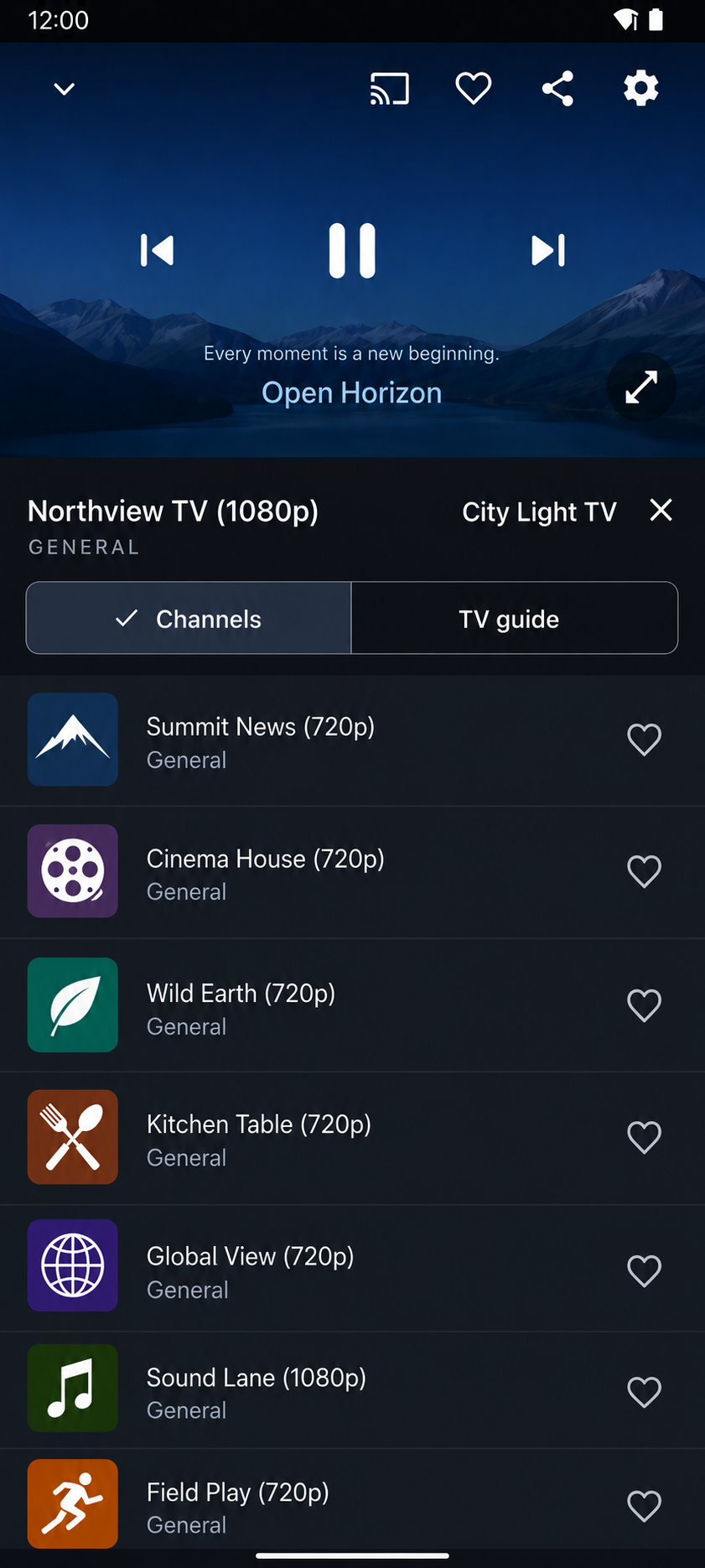
Radio mode in Streamblix is a simple toggle, not a separate app or a different source. You keep the same channels and the same guide; you just choose to listen.
- Turn it on and playback switches to audio-only for the channel.
- A calm cover view replaces the video, so the screen is not showing a blank frame.
- Audio keeps going in the background and in picture-in-picture, so you can leave the app and carry the sound with you.
Because it is built into the player rather than bolted on, it behaves the way the rest of Streamblix does, quietly, without fuss.
When to use it
- On mobile data. Video is where the megabytes go. If you only need the audio, radio mode can cut your usage sharply.
- On battery. Long listening sessions, a match or a talk show, last noticeably longer without the screen and video decoder running.
- In the background. When the sound is the point and the picture is not, there is no reason to keep the video alive.
- At bedtime. Paired with a sleep timer, audio-only listening winds down without the stream running all night.
A small feature that changes a habit
Radio mode is not glamorous, but it is the kind of thing you reach for daily once it exists. It turns an IPTV player into something you can also just listen to, the way you would a radio, without paying the data and battery cost of video you are not looking at.
It sits alongside the rest of what makes Streamblix considered: a clean program guide, no ads in playback, and help when a source misbehaves. Streamblix is free on Google Play.
Frequently asked questions
- What is radio mode in an IPTV player?
- Radio mode plays a channel's audio and turns off the video. It is for when you only want to listen: talk, music, news, or sport, without the data and battery cost of streaming the picture.
- Does radio mode save data?
- Yes. Video is the heavy part of a stream, so playing audio-only cuts data use sharply, which is useful on mobile data. It also extends battery life because the screen and video decoder are not working.
- Can I keep listening with the app in the background?
- Yes. In Streamblix, radio-mode audio keeps playing in the background and in picture-in-picture, so you can leave the app and carry the sound with you.
Try Streamblix
A considered IPTV player for Android. Bring your own source and it makes it watchable, fast, and free of ads in playback. No account to begin.