What is IPTV? A plain-language guide for 2026
IPTV is television delivered over the internet instead of cable or an aerial. Here is how it works, what a playlist is, and what you need to start watching on Android.
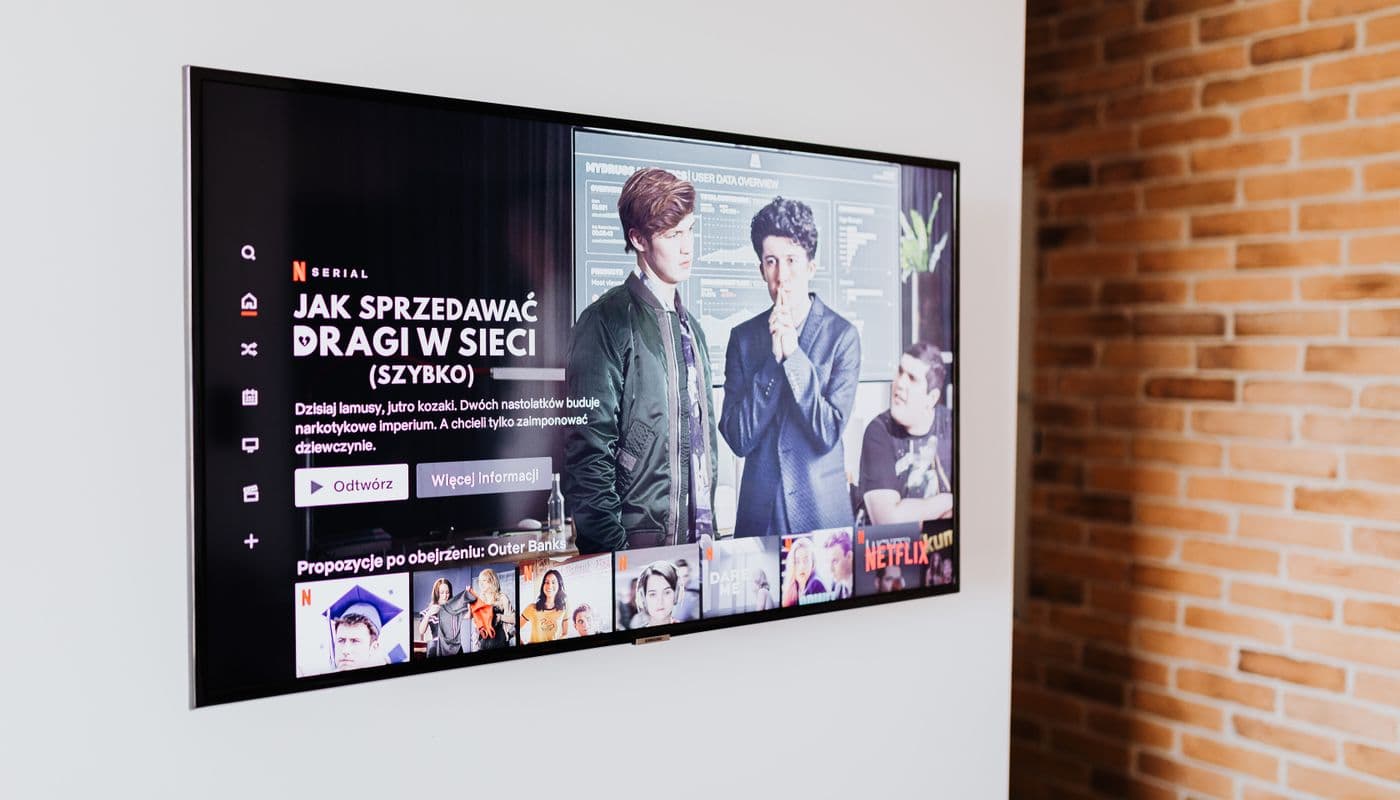
IPTV stands for Internet Protocol Television. In plain terms, it is television delivered over your internet connection instead of through a cable, satellite dish, or rooftop aerial. If you have watched a live channel through an app rather than a set-top box, you have already used something very close to IPTV.
This guide explains what IPTV actually is, the pieces involved, and what you need to start watching. No jargon, no sales pitch.
How IPTV works
Traditional broadcast sends every channel to your home at once, and your tuner picks one. IPTV flips that around. Each channel is a stream sitting on a server, reachable at a web address. When you choose a channel, your player requests that stream and plays it, the same way a website loads when you type its address.
Because it travels over the internet, IPTV is not tied to a region or a cable box. The trade-off is that your experience depends on two things: the quality of the source you are watching, and the quality of the player you watch it with.
The three pieces you need
- A source. This is the list of channels and where their streams live. Most commonly it arrives as an M3U playlist (a plain text file or link) or as Xtream Codes and Stalker portal credentials. You bring your own source; a player does not include channels.
- An optional program guide. An EPG (electronic program guide) tells you what is on now and next. It usually comes as a separate XMLTV link. If you want to know why an EPG matters, see our guide on what an EPG is.
- A player. The app that reads your source, plays the streams, and shows the guide. This is where the day-to-day experience is won or lost.
What a playlist is
A playlist is simply a list. An M3U file names each channel, points to its stream, and often includes a logo and a category. Your player reads that list and turns it into the grid of channels you scroll through. Nothing about the playlist is magic. It is a text file with a specific shape. If you want to see one in action, our walkthrough on setting up an M3U playlist takes it step by step.
Is IPTV legal?
The technology is neutral. Streaming television over the internet is how many official broadcasters and services already work. What matters is the source: you are responsible for using playlists and services you have the right to watch. A player like Streamblix does not provide any channels. It plays the source you give it, and nothing more.
What makes a good IPTV player
Once you have a source, the player decides whether IPTV feels effortless or frustrating. The things worth looking for:
- No ads interrupting playback. You came to watch, not to wait.
- A clean, fast program guide that actually loads.
- Help when a source misbehaves, so a broken link does not leave you guessing.
- Respect for your privacy: your playlists are yours, and should stay on your device.
Streamblix was built around exactly these principles: bring your own M3U, Xtream, or Stalker source, and it makes it watchable, fast, and free of ads in playback. You can read more about how it works or choosing a player if you are comparing options.
Getting started
If you already have a playlist, you are minutes away. Install a player, add your source, and let the guide fill in. Streamblix is free on Google Play and asks for no account to begin.
Frequently asked questions
- What does IPTV stand for?
- IPTV stands for Internet Protocol Television, live and on-demand television delivered over your internet connection instead of through cable, satellite, or an aerial.
- Do I need a special box for IPTV?
- No. On Android you only need an IPTV player app and a source (an M3U playlist or Xtream Codes credentials). The app turns your phone or TV into the player.
- Does an IPTV player come with channels?
- No. A player like Streamblix plays the source you provide. You bring your own M3U playlist, Xtream Codes, or Stalker portal, and the player makes it watchable.
Try Streamblix
A considered IPTV player for Android. Bring your own source and it makes it watchable, fast, and free of ads in playback. No account to begin.