The best car radio apps for Android in 2026
The best internet radio apps for the car on Android, plus why a dashboard app with radio built in beats juggling a separate player while you drive.
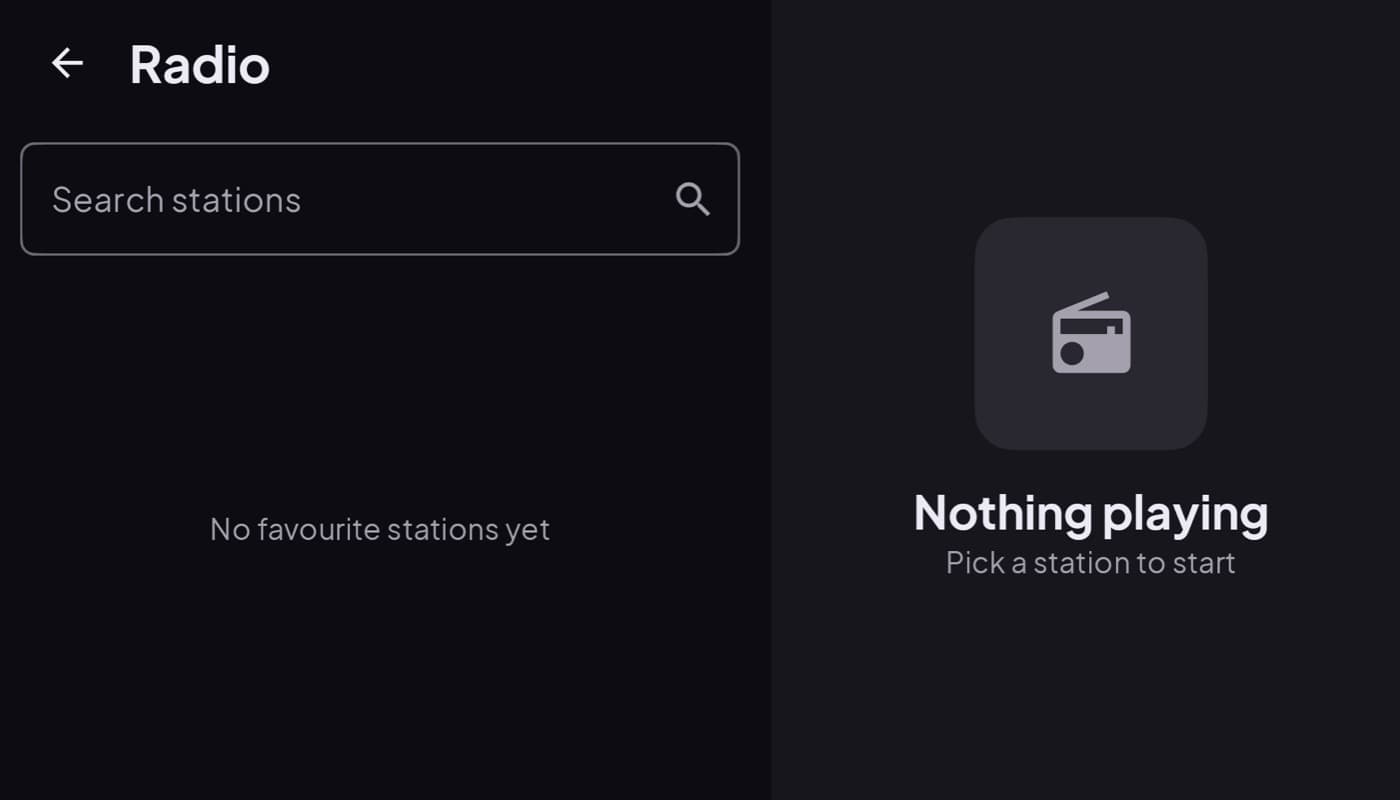
Car radio has quietly moved to the internet. Instead of an antenna and a dial, a phone can pull thousands of stations from anywhere in the world, your hometown station on a road trip, a genre channel with no ads, talk radio from another country. The only real question for the car is: can you use it safely while driving?
We make a dashboard app with radio built in (Car Dashboard), so this roundup has a stake in it. Here is what to look for.
Why internet radio for the car
- Range without an antenna. FM fades between cities; internet radio does not. Your favorite local station follows you across the country.
- Choice. Tens of thousands of stations by genre, country, or mood.
- Often ad-light. Many stream channels run fewer ads than commercial FM.
The tradeoff is obvious: it uses mobile data, and it needs signal. On a long rural stretch with no bars, FM still wins. For everywhere else, internet radio is hard to beat.
What matters in the car specifically
A radio app you love on the couch can be a hazard on the road. In the car you want:
- Big, glanceable controls. Play, pause, and next station without hunting.
- Favorites you set up beforehand. Not a search box you poke at while moving.
- Reliable reconnection. It should recover on its own when you drive through a dead spot, not sit silent.
- Bluetooth handoff. Clean audio to your car speakers.
Separate app, or built into the dashboard?
Here is the friction most people miss. If your radio lives in one app, your maps in another, and your speedometer in a third, you are swapping apps at every light. That is exactly the fumbling a car dashboard is meant to kill.
Car Dashboard puts an internet radio tuner right in the cockpit, next to the speedometer, maps and music player. Browse stations, hit play, and it keeps going while the dashboard stays on screen, big buttons, dark night theme, no app-switching. If you also want your own tracks, the same cockpit has a music player. Coming soon on Google Play.
How to choose
- Just want stations, nothing else? A dedicated internet radio app with a big favorites screen works.
- Want radio without leaving your driving screen? A dashboard app with radio built in means one screen, not three apps.
- On a long rural drive with no signal? Keep FM as a backup; internet radio needs data.
The short version: internet radio turns any phone into a world radio, and the car is where it shines. Just pick something glanceable, or better, one cockpit that has the radio, the map and the speedometer together. That is what we built Car Dashboard to be. See also how to play internet radio in your car.
Frequently asked questions
- What is the best car radio app for Android?
- For the car, the best internet radio app is one with big glanceable controls, favorites you set up in advance, and reliable reconnection after dead spots. Even better is a dashboard app with radio built in, like Car Dashboard, so you are not switching apps at the wheel.
- Does internet radio use a lot of data?
- A typical audio stream uses roughly 50 to 150 MB per hour depending on quality, far less than video. On most plans a daily commute of internet radio is easily affordable, though a heavy road-trip user should keep an eye on a capped plan.
- Can I listen to internet radio in the car without signal?
- No, internet radio needs a mobile data connection. On long rural drives with no bars it will drop out, so keep FM as a backup. In cities and along most highways, coverage is good enough for continuous streaming.
Turn your phone into the cockpit
Car Dashboard puts a big glanceable speedometer, maps, music and hands-free calling on one dark, landscape screen, in any car. Coming soon on Google Play. Join the waitlist for launch.
Get notified the day it lands on Google Play. No spam, one email.