The best dashcam apps for Android in 2026
Turn a spare Android phone into a dashcam: what dashcam apps record, loop recording and G-sensor basics, storage tips, and how it fits a phone car setup.
A dedicated dashcam is great, but a spare Android phone already has everything one needs: a good camera, GPS, and storage. A dashcam app ties them together to record the road, loop over old footage, and automatically save clips when something happens. Here is what to look for and how it fits alongside the rest of your car setup.
We make a dashboard app (Car Dashboard), not a dashcam, so this is an honest look at the category and how the two work together.
What a dashcam app does
- Loop recording. It films continuously in short segments and overwrites the oldest, so you never run out of space; the last hour or two is always there.
- Automatic incident saving. Using the phone's motion sensor (G-sensor), it locks the clip around a sudden jolt so an incident is not overwritten.
- GPS and speed overlay. Stamps location and speed onto the footage, useful for insurance or a dispute.
- Front (and sometimes rear) recording, if you have two phones or a dual setup.
What to look for
- Reliable loop recording that does not stop or crash mid-drive.
- Adjustable quality, higher resolution eats storage; 1080p is a sensible balance.
- G-sensor auto-save with adjustable sensitivity.
- Sane storage management, it should cap how much space it uses and clean up itself.
- Honest permissions. A dashcam needs camera, location and storage, that is the job. Be wary of one asking for contacts or more.
The catch: it needs the camera
This is the key practical point. A dashcam app uses the rear camera, so the phone must face out the windshield, which means it cannot also be your dashboard screen at the same time. Two common solutions:
- Use a spare/old phone as a dedicated dashcam, mounted at the windshield, and your main phone as the dashboard. An old phone or tablet is perfect for this.
- Run the dashcam alone on drives where you do not need the full cockpit.
Storage and heat
Two practical warnings:
- Storage fills fast. Continuous 1080p recording is large; use loop recording and a roomy microSD or high-capacity phone.
- Recording plus sun equals heat. Keep the phone powered and cool; a hot phone throttles and may stop recording.
The complete setup
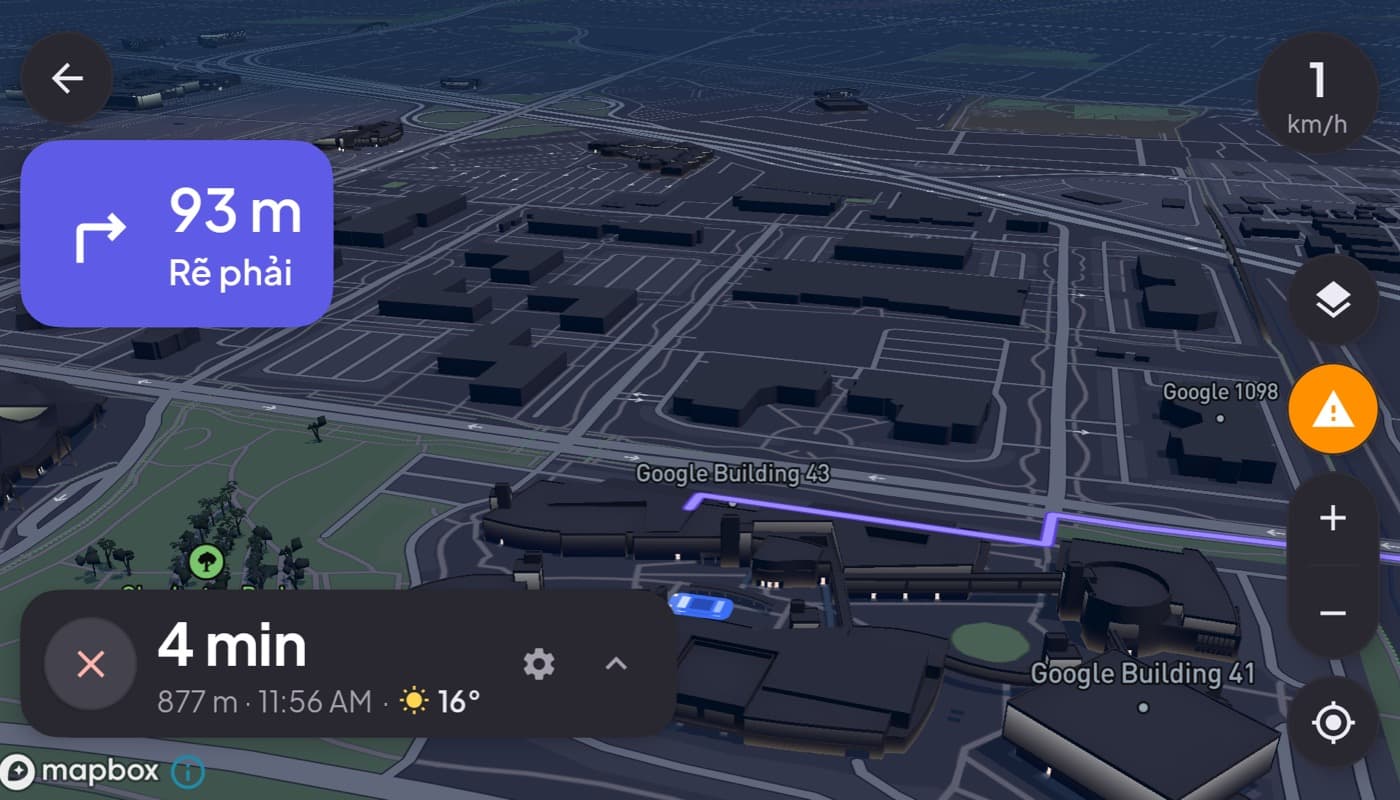
The ideal phone car setup often uses two devices: a spare phone as a dashcam at the windshield, and your main phone running Car Dashboard as the cockpit, speed, maps, music and calls on one glanceable screen. Together you get a recorded road and a modern dashboard, all from phones you already own. Car Dashboard is coming soon on Google Play.
The short version: a dashcam app makes a spare phone a capable road camera, look for loop recording, G-sensor auto-save and a speed overlay. Just remember it needs the camera, so run it on a second phone alongside your dashboard.
Frequently asked questions
- Can I use my phone as a dashcam?
- Yes. A dashcam app turns a phone into a road-recording camera with loop recording, automatic incident saving via the motion sensor, and a GPS and speed overlay. It works best on a spare or old phone, since it needs the rear camera facing the windshield and can't also be your dashboard screen at the same time.
- What should I look for in a dashcam app?
- Reliable loop recording, automatic G-sensor incident saving, a GPS and speed overlay, adjustable quality (1080p is a good balance), sensible storage management, and honest permissions, camera, location and storage only. Continuous recording fills storage fast, so loop recording and plenty of space matter.
- Can I run a dashcam and a car dashboard at the same time?
- Not on one phone, the dashcam needs the rear camera facing out, while a dashboard fills the screen. The common solution is two phones: a spare phone as a dedicated dashcam at the windshield and your main phone running a dashboard app like Car Dashboard as the cockpit.
Turn your phone into the cockpit
Car Dashboard puts a big glanceable speedometer, maps, music and hands-free calling on one dark, landscape screen, in any car. Coming soon on Google Play. Join the waitlist for launch.
Get notified the day it lands on Google Play. No spam, one email.