The best find-my-parked-car apps for Android (2026)
Never lose your car in a huge lot again. How find-my-parked-car apps work, what to look for, and how a dashboard with a parking marker saves the spot for you.
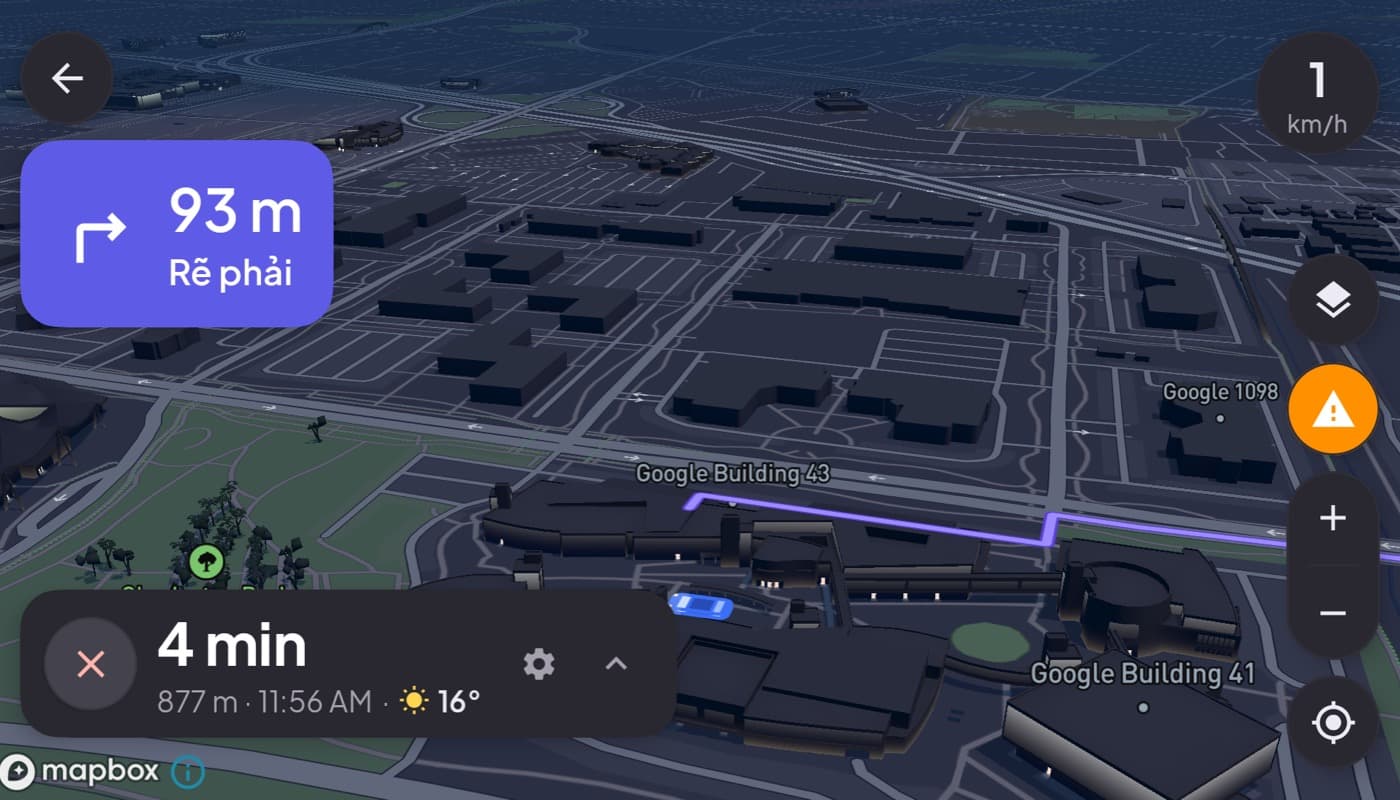
Anyone who has wandered a stadium car park or a multi-storey mall garage knows the sinking feeling of not remembering where the car is. A find-my-parked-car app fixes it in one tap: it drops a GPS pin where you parked and walks you back. Here is how they work and what makes a good one.
We make a dashboard app that can mark your parking spot (Car Dashboard), so this has a stake, but the basics apply to any parking app.
How they work
When you park, the app saves your current GPS location as a pin. Later, you open the app and it navigates you back on foot, showing distance and direction. That is the core; the good ones add helpful extras.
The most useful features
- Automatic saving. The best apps notice when you disconnect from the car's Bluetooth or stop moving, and save the spot for you, no need to remember to tap.
- A photo. Snap the aisle sign or level number; a picture beats a pin in a big garage.
- A note. "Level 3, near lift B" is often more useful than GPS indoors, where signal is weak.
- A parking timer. A reminder before the meter expires saves you a ticket.
- Walking directions back to the pin.
The indoor GPS catch
One honest limitation: GPS is weak or absent inside multi-storey and underground car parks. A pin dropped indoors can be off by a floor or a building. That is exactly why the photo and note features matter, they cover for GPS where it struggles. Save the spot as you enter the structure, where signal is better, plus a level note.
What to look for
- Automatic spot saving (Bluetooth or motion based).
- Photo and note support for indoor lots.
- A parking timer with a reminder.
- Honest permissions, location is the job; be wary of more.
- Low friction, if saving the spot is a chore, you will forget.
Parking as part of the dashboard
If your phone is already your car dashboard, saving the parking spot there keeps it with everything else. Car Dashboard can drop a parking marker on the map so, when you get out, the spot is saved alongside your maps and cockpit, no separate app to remember. Coming soon on Google Play.
How to choose
- Regularly lose your car in big lots? Prioritize automatic saving so you never forget.
- Park in multi-storey garages? Photo and note features beat GPS pins indoors.
- Use meters? A parking timer with a reminder pays for itself in avoided tickets.
The short version: a find-my-parked-car app drops a pin where you parked and walks you back. Pick one that saves automatically and supports a photo and note for indoor garages, or let your dashboard mark the spot as you leave.
Frequently asked questions
- How do find-my-parked-car apps work?
- When you park, the app saves your GPS location as a pin, then later navigates you back on foot with distance and direction. The best ones save the spot automatically when you disconnect from the car's Bluetooth or stop moving, and add a photo, a note, and a parking timer.
- Do parking apps work in underground car parks?
- GPS is weak or absent inside multi-storey and underground garages, so a pin can be off by a floor. That's why photo and note features matter, snap the level sign and jot 'near lift B'. Saving the spot as you enter the structure, where signal is better, plus a note, works best indoors.
- Can a car dashboard app remember where I parked?
- Yes. Car Dashboard can drop a parking marker on the map when you get out, so the spot is saved alongside your maps and cockpit, without a separate app. Combined with a note for indoor garages, it means you can always walk back to the car.
Turn your phone into the cockpit
Car Dashboard puts a big glanceable speedometer, maps, music and hands-free calling on one dark, landscape screen, in any car. Coming soon on Google Play. Join the waitlist for launch.
Get notified the day it lands on Google Play. No spam, one email.