The best car launcher apps for Android in 2026
A car launcher turns your phone into a driving-safe home screen. Here are the best car launcher apps for Android and what separates a good one from clutter.
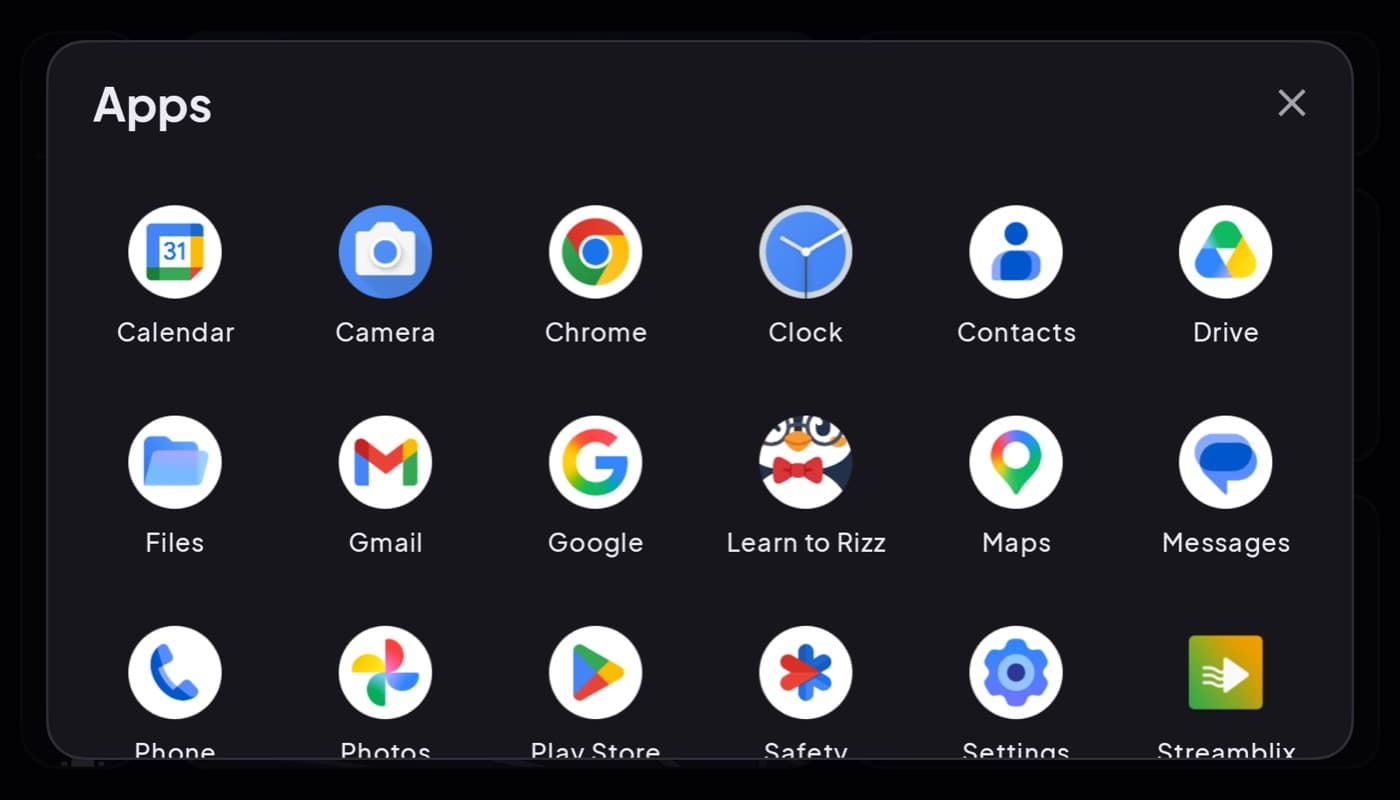
A car launcher does one job: when your phone is in the car, it swaps your normal cluttered home screen for a simple one built for driving, big tiles, few of them, readable at a glance. The best ones feel like the car was always meant to have that screen. The worst ones are just a grid of tiny icons with a car-themed wallpaper.
We build one (Car Dashboard), so this roundup has a stake in it. Here is what actually separates a good car launcher from a bad one.
What a car launcher is (and is not)
A launcher is your phone's home screen. A car launcher is a home screen tuned for the moment your phone is mounted on the dash: fewer, bigger targets, the apps you actually use while driving, and a look that does not blind you at night.
It is not the same as Android Auto, which projects onto a car's built-in screen. A car launcher runs on the phone, on a mount. That means it works in any car, no head unit required.
What separates a good one
- Auto-start on the mount. The best launchers kick in when you dock or connect to the car's Bluetooth, so you are not tapping around before you drive.
- Big, few tiles. Maps, phone, music, and not much else on the first screen. Every extra icon is a glance you cannot afford.
- A real speedometer and clock, not just app shortcuts. See our speedometer roundup.
- Night dimming. A dark, low-glare theme for after dark.
- Voice and hands-free. Calls and music you can trigger without looking.
- No login wall. You should be driving in seconds.
Launcher, or full dashboard?
Here is the useful distinction. A pure launcher is a menu, it sends you into other apps. A car dashboard app is a cockpit, it shows you speed, maps, weather and media on one screen and only sends you elsewhere when you ask.
Car Dashboard is both. It launches your driving apps with big tiles, but its home screen is a real cockpit: a glanceable speedometer, clock, weather and fuel, with music, radio, maps and hands-free calling one tap away, all landscape-first and dark for night driving. No login to start.
How to choose
- Want a simple driving home screen? A clean launcher with auto-start and big tiles is enough.
- Want the cockpit, not just a menu? A dashboard app shows you the essentials instead of making you open them.
- Care about engine data? Pair either with an OBD-II app.
The short version: a car launcher is worth it the moment you mount your phone, it kills the fumbling. Just pick one that is glanceable, auto-starts, and dims at night. Car Dashboard does all three and gives you the whole cockpit on top. Coming soon on Google Play.
Frequently asked questions
- What is a car launcher app?
- A car launcher replaces your phone's normal home screen with a driving-safe one: big tiles, only the apps you use in the car, and a dark look for night. It runs on the phone on a dash mount and works in any vehicle, unlike Android Auto which needs a compatible car screen.
- What is the best car launcher for Android?
- The best car launcher auto-starts when you mount or connect to the car, keeps maps, phone and music one tap away with big glanceable tiles, and dims at night. Car Dashboard goes further by making the home screen a full cockpit with a speedometer, clock and widgets.
- Do car launchers work in any car?
- Yes. A car launcher runs on your phone, so it works in any car regardless of make, year or head unit. You just need a dash mount and, ideally, a charger since driving apps use GPS.
Turn your phone into the cockpit
Car Dashboard puts a big glanceable speedometer, maps, music and hands-free calling on one dark, landscape screen, in any car. Coming soon on Google Play. Join the waitlist for launch.
Get notified the day it lands on Google Play. No spam, one email.