The best Android Auto apps in 2026
The best apps that run on Android Auto: navigation, audio and messaging, what Google allows on the car screen, and what to do when your car lacks Android Auto.
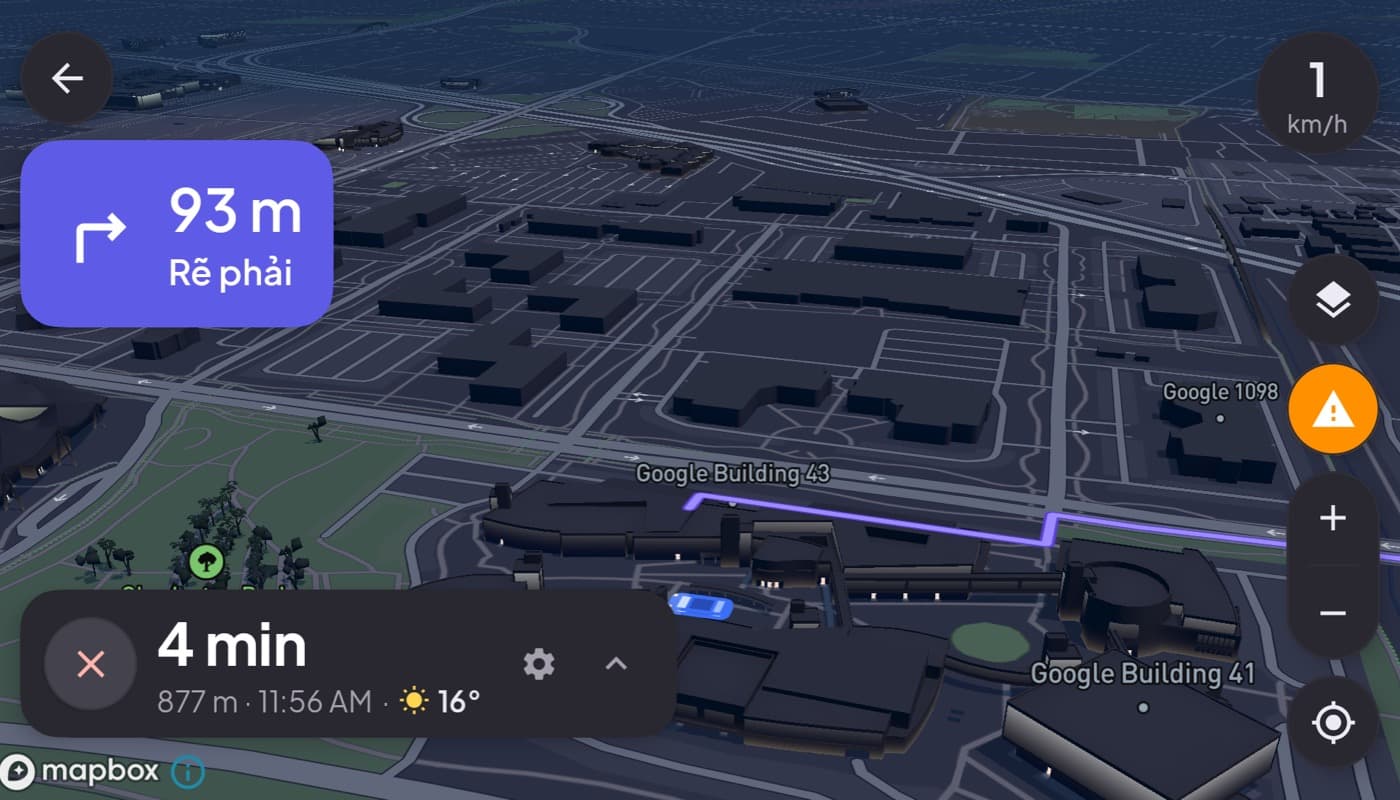
Android Auto is deliberately picky about what runs on it. Unlike your phone, where anything goes, the car screen only allows a curated set of app types, and that is a safety feature, not a limitation to fight. Here are the categories that matter and the best-in-class picks, plus what to do if your car does not support Android Auto at all.
We make a phone-mount dashboard (Car Dashboard) for that last case, so this has a stake, but the Android Auto rundown is honest.
What Android Auto actually allows
Google only permits a few app categories on the Android Auto screen, all chosen because they can be made glanceable and voice-driven:
- Navigation (maps and turn-by-turn).
- Audio (music, podcasts, audiobooks, radio).
- Messaging (read aloud and reply by voice).
You cannot run video, browsers, games, or most general apps, and that is intentional. If you are looking for a way to run any app on Android Auto, the answer is that Google blocks it on purpose.
The categories, and what to look for
Navigation
Pick the maps app you trust, with clear voice guidance and, ideally, offline maps for dead zones. See our best GPS apps for the car.
Audio
Your streaming service, podcast app, or an internet radio app, whatever you use, with big glanceable controls on the car screen.
Messaging
A messaging app that reads texts aloud and lets you reply by voice, so your hands stay on the wheel.
The catch: you need a compatible car
Every Android Auto app is useless without a compatible head unit. A huge number of cars, older models, base trims, anything without a modern infotainment screen, cannot run Android Auto at all. If that is you, no list of Android Auto apps helps.
No Android Auto? Use the phone as the screen
When your car cannot run Android Auto, you can still get the same essentials by turning the phone itself into the display with a dashboard app. It does not project onto the car screen, it makes the phone the cockpit.
Car Dashboard is built for exactly this: a landscape cockpit with a big speedometer, maps, music, radio and hands-free calling on one dark screen, in any car, no head unit required. It is not Android Auto and does not run inside it, it is the alternative when Android Auto is not an option. Coming soon on Google Play. See also Android Auto vs a car dashboard app.
How to choose
- Have Android Auto? Use the best navigation, audio and messaging apps on the car screen, those are the only categories it allows.
- No compatible car? A phone-mount dashboard gives you the same essentials in any vehicle.
- Deciding between the two systems? Read CarPlay vs Android Auto.
The short version: the best Android Auto apps are the maps, audio and messaging apps you already use, because those are the only categories Google allows. If your car cannot run Android Auto, a phone dashboard is how you get the same essentials anyway.
Frequently asked questions
- What are the best apps for Android Auto?
- Android Auto only allows navigation, audio and messaging apps on the car screen, so the best ones are the maps app you trust, your streaming or podcast or radio app, and a messaging app that reads texts aloud and replies by voice. Video, browsers and general apps are blocked for safety.
- Can I run any app on Android Auto?
- No. Google deliberately limits Android Auto to navigation, audio and messaging categories, chosen because they can be made glanceable and voice-driven. You can't run video, browsers, games or arbitrary apps on the car screen. That restriction is a safety feature, not a bug.
- What if my car doesn't support Android Auto?
- Then Android Auto apps won't help, since they need a compatible head unit. Instead, turn the phone itself into the display with a dashboard app like Car Dashboard, which gives you speed, maps, music and hands-free calling on a mounted phone in any car, no Android Auto required.
Turn your phone into the cockpit
Car Dashboard puts a big glanceable speedometer, maps, music and hands-free calling on one dark, landscape screen, in any car. Coming soon on Google Play. Join the waitlist for launch.
Get notified the day it lands on Google Play. No spam, one email.