The best apps for Uber and taxi drivers (Android, 2026)
The best apps for Uber, Lyft and taxi drivers on Android: navigation, mileage and earnings tracking, and a dashboard that keeps it all glanceable on a mount.
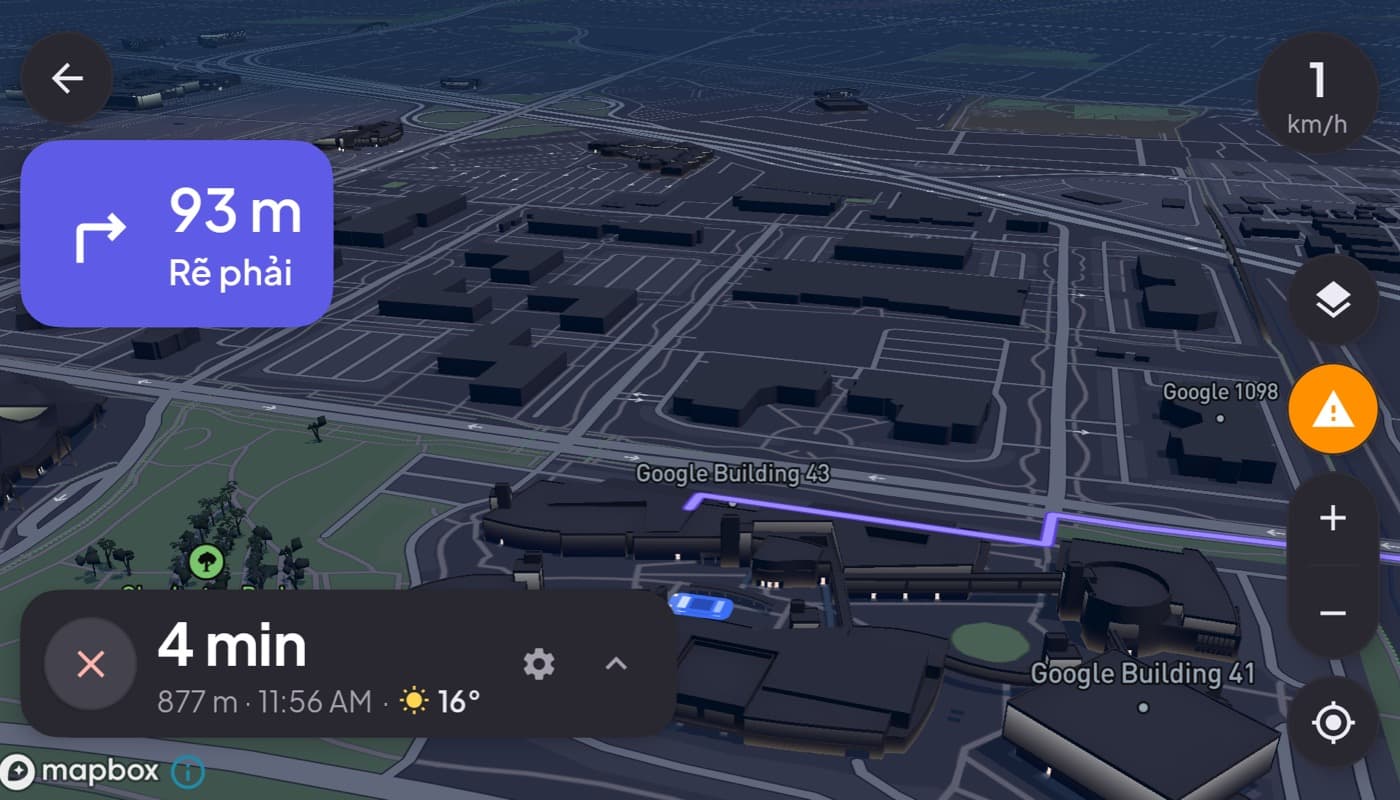
If you drive for Uber, Lyft, or a taxi firm, your phone is your office, and you stare at it for hours. A good setup is not a luxury; it saves battery, cuts distraction, and makes tax time painless. Here is the toolkit that actually helps, and how to keep it glanceable.
We make a dashboard app that fits a driver's day (Car Dashboard), so this has a stake, but the toolkit below is what matters regardless of app.
The rideshare toolkit
You are juggling three jobs at once. Cover each one well:
- The rideshare app itself, for requests and passenger navigation.
- Navigation, often a dedicated maps app you trust over the built-in one, with offline maps as backup.
- A mileage tracker, because every mile between and during fares can be a tax deduction. Automatic logging is essential, you will not tap a button 40 times a shift.
What makes a driver's setup good
- A steady dash mount. You dock and undock all day; it must be quick and rock-steady.
- Constant charging. The rideshare app, GPS and screen drain battery fast. Keep the phone on a charger every shift, non-negotiable.
- Heat management. Long shifts plus sun plus a working phone means throttling. Keep it out of direct sun and near a vent, see our dash mount setup guide.
- Glanceable between fares. Between requests you want your speed, the time, and your music on one screen, not a lock screen.
The dead time between fares
Rideshare has a lot of waiting, and that is where a car dashboard earns its place. Instead of a dark phone or a cluttered home screen between requests, Car Dashboard gives you a clean cockpit: a big speedometer, clock, weather, music and radio, plus a trip journal logging your drives. When a request comes in, you switch to the rideshare app; between fares, you have a proper dashboard. Coming soon on Google Play.
A note on safety and rules
Keep it glanceable and legal: mount the phone low and central, set navigation before you move, and follow your platform's and local rules on device use. A dashboard reduces the reasons to look away; it does not replace attention, see driving safely with your phone as a dashboard.
How to choose
- New to rideshare? Start with solid navigation and an automatic mileage tracker, those two pay for themselves.
- Long shifts? Prioritize a steady mount, constant charging, and heat management.
- Want a clean screen between fares? A dashboard app fills the dead time and logs your drives.
The short version: rideshare drivers benefit most from a mounted, charged, glanceable setup, navigation, automatic mileage tracking, and a dashboard for the hours in between.
Frequently asked questions
- What apps do Uber and taxi drivers need?
- The core toolkit is the rideshare app itself, a trusted navigation app with offline maps as backup, and an automatic mileage tracker for tax deductions. A car dashboard app adds a clean, glanceable screen between fares with speed, maps, music and a trip journal.
- How do rideshare drivers stop their phone dying on a shift?
- Keep it charging on the dash mount every shift, the rideshare app, GPS and screen drain battery fast. Also manage heat: keep the phone out of direct sun and near a vent, since long shifts plus sun cause throttling. A steady mount with cable clearance makes constant charging easy.
- Is a car dashboard app useful for Uber drivers?
- Yes, especially for the dead time between fares. Instead of a dark or cluttered phone, a dashboard gives you a clean cockpit with speed, weather, music and a trip journal, then you switch to the rideshare app when a request arrives. Car Dashboard is built to fit that day.
Turn your phone into the cockpit
Car Dashboard puts a big glanceable speedometer, maps, music and hands-free calling on one dark, landscape screen, in any car. Coming soon on Google Play. Join the waitlist for launch.
Get notified the day it lands on Google Play. No spam, one email.