Car launcher app alternatives worth trying (2026)
Looking for a car launcher alternative? What to look for when switching, the trade-offs between launcher types, and how a full dashboard compares.
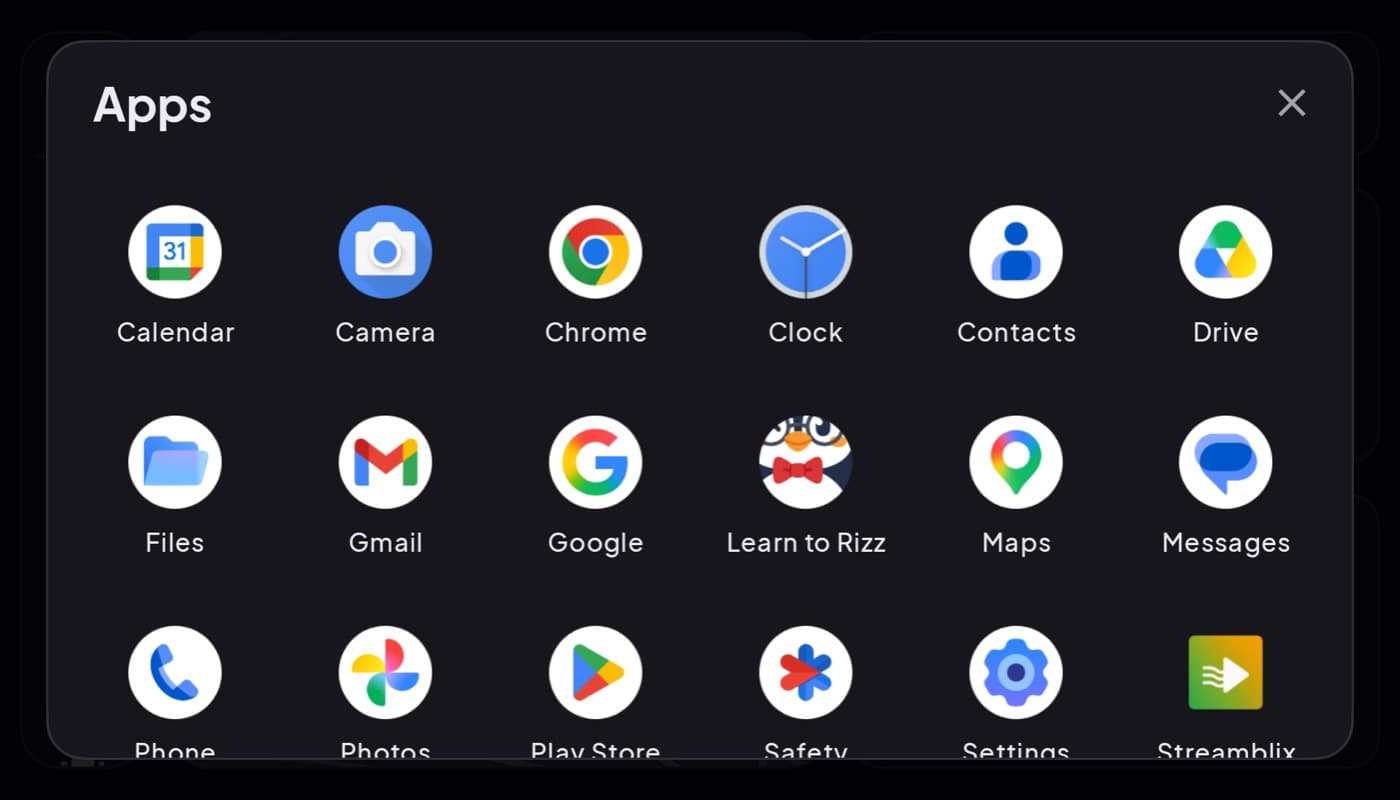
If you are hunting for a car launcher alternative, you have probably hit one of the common frustrations: too many ads, a cluttered layout, weak glanceability, or a missing feature. The good news is the category is crowded, so switching is easy. The trick is knowing what you actually want instead. Here is how to choose a replacement.
We make a car dashboard that doubles as a launcher, so this has a stake, but the framework below is honest.
Why people switch car launchers
- Ads on the driving screen, the top reason, and a genuine safety issue.
- Clutter, too many tiny tiles, not enough glance.
- Poor night mode, a bright screen that dazzles after dark.
- A missing piece, no real speedometer, no radio, no weather.
- Permission overreach, asking for far more than a launcher needs.
If any of those pushed you to search for an alternative, use it as your checklist for the replacement.
The two kinds of car launcher
Before you switch, decide which you actually want, because "car launcher" covers both:
| Type | What it is | Best for |
|---|---|---|
| App-grid launcher | Big tiles that open other apps | You just want a driving home screen |
| Full dashboard | A cockpit: speed, maps, media on one screen | You want info, not just a menu |
A pure launcher is a menu. A dashboard is a cockpit. If your old launcher just sent you into other apps and you wanted more, a dashboard is the upgrade, not another grid.
What a good alternative should have
- A clean driving screen, ads (if any) confined to menus.
- Auto-start on dock or car Bluetooth, so you are not tapping before you drive.
- Real glanceability, big speed and time, high contrast, a dark night theme.
- Sane permissions, location and maybe Bluetooth, not your contacts or storage.
- The features you were missing, a speedometer, radio, weather, or OBD.
The both-in-one alternative
Car Dashboard is built to solve the usual launcher complaints: it launches your driving apps with big tiles, and its home screen is a real cockpit, a big glanceable speedometer, clock, weather, maps, music, radio and hands-free calling, on one dark landscape screen, with no login and a clean driving view. If you left a launcher because it was cluttered, ad-heavy, or just a menu, this is the shape of the alternative worth trying. Coming soon on Google Play.
How to choose
- Just want a cleaner grid? Any glanceable, ad-light launcher with auto-start works.
- Wanted more than a menu? Move to a full dashboard, that is the real upgrade.
- Left over ads or permissions? Make those your first filter on any alternative.
The short version: switching car launchers is easy; choosing well means fixing whatever drove you away, ads, clutter, night glare, missing features, and deciding whether you want a menu or a full cockpit.
Frequently asked questions
- Why would I switch to a different car launcher?
- The common reasons are ads on the driving screen, a cluttered layout, a bright screen that dazzles at night, missing features like a real speedometer or radio, and apps asking for more permissions than a launcher needs. Any of those is a good reason to try an alternative.
- What should I look for in a car launcher alternative?
- A clean driving screen with no ads over the gauges, auto-start when you dock or connect to the car, strong glanceability with a dark night theme, sane permissions, and whatever feature you were missing. Also decide whether you want a simple app grid or a full dashboard cockpit.
- What's the difference between a car launcher and a car dashboard?
- A car launcher is mainly a menu, big tiles that open other apps. A car dashboard is a cockpit that shows your speed, maps, weather and media on one screen and only sends you elsewhere when you ask. If you wanted more than a menu, a dashboard like Car Dashboard is the upgrade.
Turn your phone into the cockpit
Car Dashboard puts a big glanceable speedometer, maps, music and hands-free calling on one dark, landscape screen, in any car. Coming soon on Google Play. Join the waitlist for launch.
Get notified the day it lands on Google Play. No spam, one email.