The best apps for an Android head unit (2026)
The best apps for an Android head unit: what to install on a car stereo running full Android, from a dashboard launcher to navigation, media and OBD.
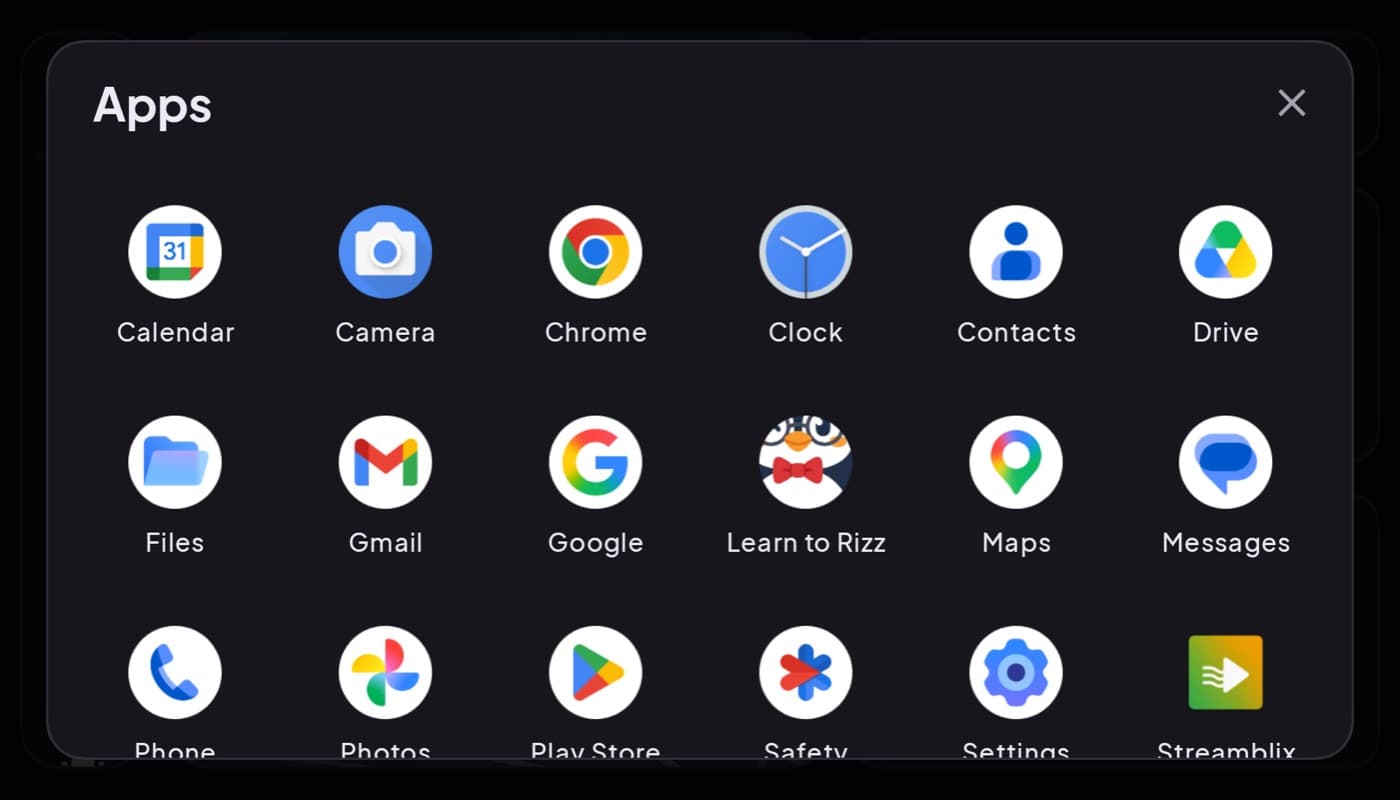
An Android head unit, the aftermarket car stereos that run actual Android, is basically a tablet bolted into your dash. That is its superpower: it runs normal Play Store apps. But the stock interface these units ship with is often cluttered and ugly, so the first and best upgrade is usually a cleaner launcher. Here is what to install.
We make a dashboard app that runs on these units (Car Dashboard), so this has a stake, but the kit below is what makes any Android head unit better.
First: understand what you have
An Android head unit is a full Android device with a touchscreen wired into your car's speakers and power. Unlike Android Auto (which projects your phone), a head unit is the computer, it installs and runs apps itself. That means almost anything on the Play Store works, and the usual phone-dashboard advice applies directly.
The best first upgrade: a dashboard launcher
Most Android head units ship with a busy, dated home screen. Replacing it with a clean dashboard launcher is the single biggest improvement: big glanceable tiles, a real speedometer, and a dark night theme in place of the stock clutter.
Car Dashboard runs on an Android head unit's screen just as it does on a phone, turning it into a proper cockpit: a big speedometer, clock, weather, maps, music, radio and hands-free calling on one dark landscape screen. Because the unit is landscape and always powered, it is an ideal home for a dashboard app. Coming soon on Google Play.
The rest of the kit
Same jobs as a phone setup, now on the dash:
- Navigation, with offline maps since head units are often Wi-Fi/data-limited.
- Media, your streaming, podcast and radio apps.
- OBD-II, a Bluetooth dongle plus an app for live engine data on the big screen.
- A maintenance or fuel log, if you track running costs.
Head-unit specifics to watch
- Connectivity. Many units have no SIM; tether to your phone's hotspot or rely on offline maps.
- GPS quality. Built-in GPS varies; a good dashboard app uses it for speed and navigation.
- Performance. Cheaper units are slow; a lightweight launcher and a few well-chosen apps beat a pile of heavy ones.
How to choose
- Just got an Android head unit? Install a dashboard launcher first, it fixes the stock clutter instantly.
- Data-limited unit? Prioritize offline maps and a hotspot.
- Want engine data on the big screen? Add an OBD dongle and app.
The short version: an Android head unit runs real apps, so treat it like a dashboard tablet. Start with a clean dashboard launcher, then add navigation, media and OBD, the same kit as a phone, on a bigger built-in screen.
Frequently asked questions
- What apps should I install on an Android head unit?
- Start with a dashboard launcher to replace the cluttered stock interface, then add navigation with offline maps, your media and radio apps, and an OBD-II app if you want engine data. An Android head unit runs normal Play Store apps, so the kit is the same as a phone dashboard, on a bigger built-in screen.
- Is an Android head unit the same as Android Auto?
- No. Android Auto projects your phone's interface onto a compatible car screen. An Android head unit is itself a full Android device that installs and runs apps directly, no phone required. That's why you can put a dashboard launcher and other Play Store apps straight onto it.
- Can Car Dashboard run on an Android head unit?
- Yes. Car Dashboard runs on an Android head unit's screen just as it does on a phone, turning the stock interface into a clean cockpit with a speedometer, maps, media and hands-free calls. Since head units are landscape and always powered, they're an ideal home for a dashboard app.
Turn your phone into the cockpit
Car Dashboard puts a big glanceable speedometer, maps, music and hands-free calling on one dark, landscape screen, in any car. Coming soon on Google Play. Join the waitlist for launch.
Get notified the day it lands on Google Play. No spam, one email.